1. Navigate to https://lastpass.com/login/
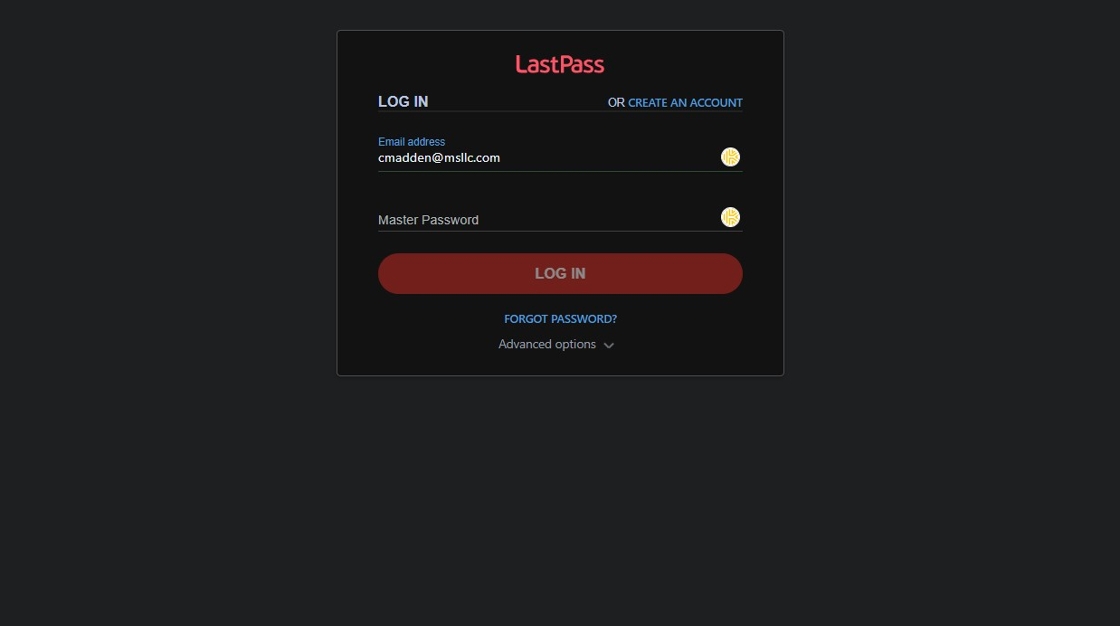
2. Type your email address
3. Type your master password

4. Click "Log in"

5. Click "Account Settings"

6. Click "Mobile Devices"

7. Click "Disable"


1. Navigate to https://lastpass.com/login/
2. Type your email address
3. Type your master password
4. Click "Log in"
5. Click "Account Settings"
6. Click "Mobile Devices"
7. Click "Disable"
Comments
0 comments
Please sign in to leave a comment.